BEEBEST1.1.5
Publisher Description
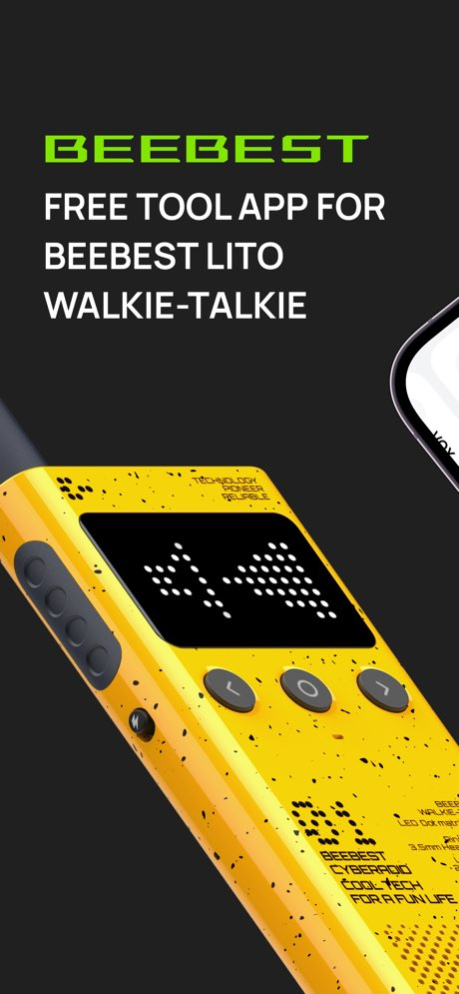


BEEBEST APP is a free tool app for BEEBEST Lito walkie-talkie, People could activate, connect and do quick setting of Lito walkie-talkies without sign-in. There are many useful functions to play with the app, to explore more fun features of Lito walkie-talkies, BEEBEST app will connect walkie-talkies with bluetooth.
Key functions introduction:
● Choose where you are
Choose the country/region you are in, to adapt to legal frequency.
● Sharing location with friends offline
Connected to Lito walkie-talkies, share location information by them. And it can be available when your phone have no network.
● Map
Check the location of friends who allow you to see, and be safer in your trip.
● Quick setting of walkie-talkies
Say goodbye to complex traditional setting methods, you can customize the channel freely.
BEEBEST App would be your good partner in using our walkie-talkie products.If there is any question, please contect us by email: service@beebest-office.com
Version History 1、fix editChannel bug 1.1.5 11/19/2024 1、fix bug 1.1.4 09/20/2024 1、add 108 Device
2、fix bug 1.1.3 04/12/2024 fix bug 1.0.7 01/29/2024 fix bug 1.0.4 12/26/2023 1.fix bug 1.0.3 11/02/2023 1.0.2 10/27/2023
About BEEBEST
The company that develops BEEBEST is Xi'an Fengyu Information Technology Co., Ltd. The latest version released by its developer is 1.1.5.
To install BEEBEST on your iOS device, just click the green Continue To App button above to start the installation process. The app is listed on our website since 2026-10-15 and was downloaded 0 times. We have already checked if the download link is safe, however for your own protection we recommend that you scan the downloaded app with your antivirus. Your antivirus may detect the BEEBEST as malware if the download link is broken.
How to install BEEBEST on your iOS device:
- Click on the Continue To App button on our website. This will redirect you to the App Store.
- Once the BEEBEST is shown in the iTunes listing of your iOS device, you can start its download and installation. Tap on the GET button to the right of the app to start downloading it.
- If you are not logged-in the iOS appstore app, you'll be prompted for your your Apple ID and/or password.
- After BEEBEST is downloaded, you'll see an INSTALL button to the right. Tap on it to start the actual installation of the iOS app.
- Once installation is finished you can tap on the OPEN button to start it. Its icon will also be added to your device home screen.
Program Details
System requirements
Download information
Pricing
Version History
version 1.1.5
posted on 2026-10-15
Version History 1、fix editChannel bug 1.1.5 11/19/2024 1、fix bug 1.1.4 09/20/2024 1、add 108 Device
2、fix bug 1.1.3 04/12/2024 fix bug 1.0.7 01/29/2024 fix bug 1.0.4 12/26/2023 1.fix bug 1.0.3 11/02/2023 1.0.2 10/27/2023
version 1.1.5
posted on 2024-11-19
1、fix editChannel bug
